---
updatedAt: 2026-10-29T22:25:32.000Z
agentTools:
projectIndex: https://api.pencilspaces.com/llms.txt
---
# 🔐 Generating your key
Authentication is performed by bearer token with your account’s API key. To access your API key, visit [Spaces Manager](https://my.pencilapp.com/) > Settings
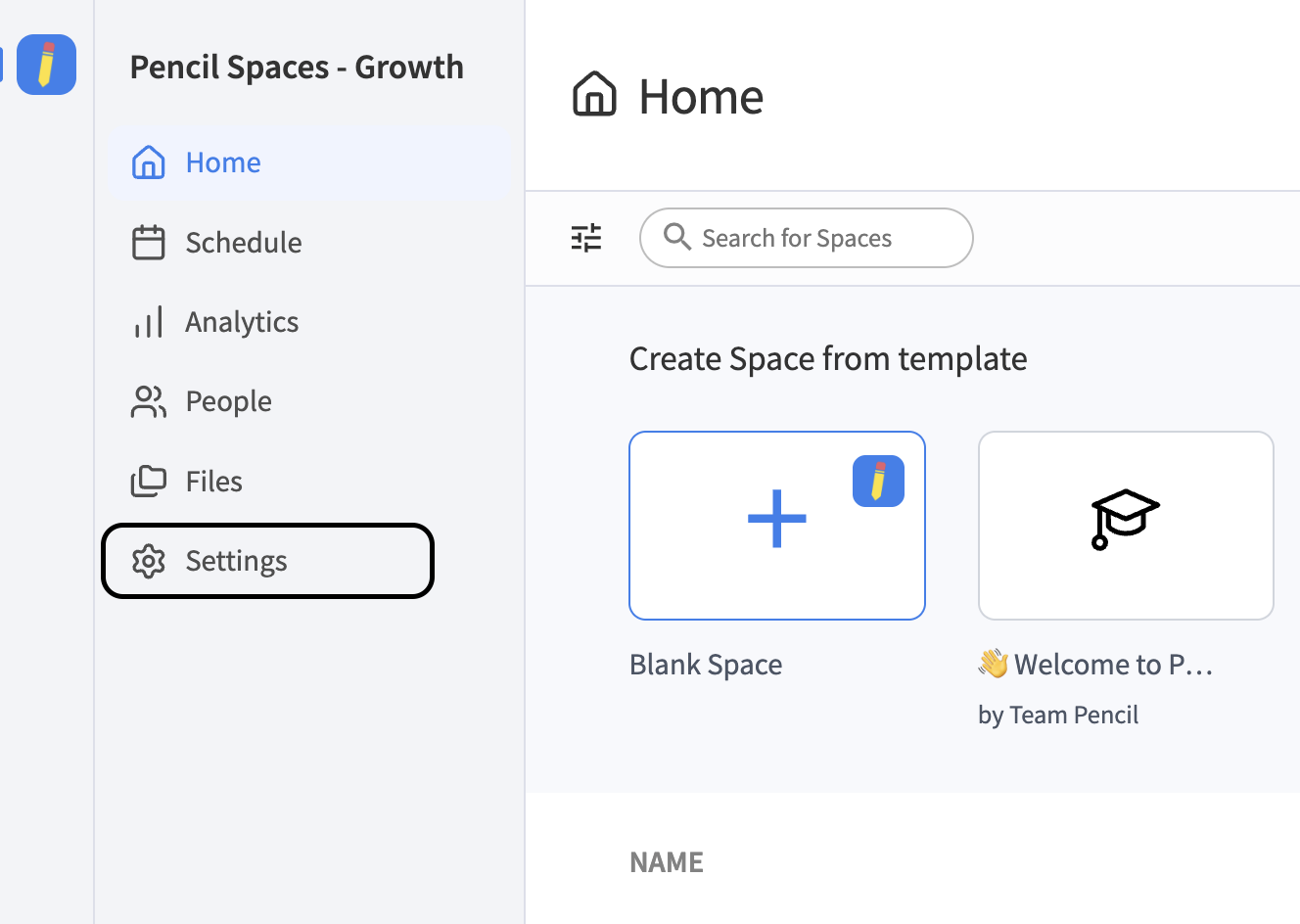
Navigate to **API Key** > **Generate **and follow the onscreen instructions to generate your key. If you do not see this option in Settings, either your account has not been configured correctly or you do not have sufficient permissions to create an API key. Only Institution Admins can create API keys.
Once your key is generated, for security reasons, it can only be viewed once. After you refresh the page, you’ll only be able to revoke your key.
In case you need to revoke an existing key, you can do so on the same page. Once a key is revoked, you and all other clients logged into your admin account will be logged-out. You will need to log-in to Pencil Spaces again to regenerate your key.
## Environments
We provide access to two different environments for development. Our staging environment is a restricted environment that is exclusively accessible for developers for limited testing. This environment **is not stable **and can not be used for production deployments.
**Staging Environment**
* Available at
* Server URL at: [*https://staging-apis.pencilapp.com/public/api/*](https://staging-apis.pencilapp.com/public/api/)
**Production Environment**
* Available at [my.pencilapp.com](https://my.pencilapp.com)
* Server URL at: [*https://apis.pencilapp.com/public/api/*](https://apis.pencilapp.com/public/api/)
In both cases, you’ll need a **usage-based** or** Enterprise **account to access our API. You can verify you current tier by visiting your [billing](https://helpdesk.pencilspaces.com/en/articles/10435775-accessing-billing-usage-for-you-institution) page. If you’re not on the correct tier, please contact Pencil Spaces support at and we’d be more than happy to assist.